114 AI Tutor Utilization
This course helps learners understand and apply AI Tutor Utilization through practical AI tool use, guided production, review, and portfolio-oriented project work.
0. Purpose and ultimate goal
The ultimate goal of AI Tutor Utilization education is to help learners understand AI concepts, apply appropriate tools, produce useful outputs, and evaluate results responsibly. The curriculum follows the structure of professional private AI bootcamps, corporate AI upskilling programs, creator schools, and project-based technology academies rather than simple public awareness training.
Referenced professional training patterns
- Corporate AI upskilling courses combining concepts, workflow design, and practical output production.
- Private generative AI bootcamps using prompt engineering, tool comparison, and project presentation.
- AI ethics and copyright workshops covering bias, privacy, hallucination, and responsible use.
- Portfolio coaching programs that turn learning activities into visible deliverables.
Beginner 1 Day AI Tutor Utilization Curriculum
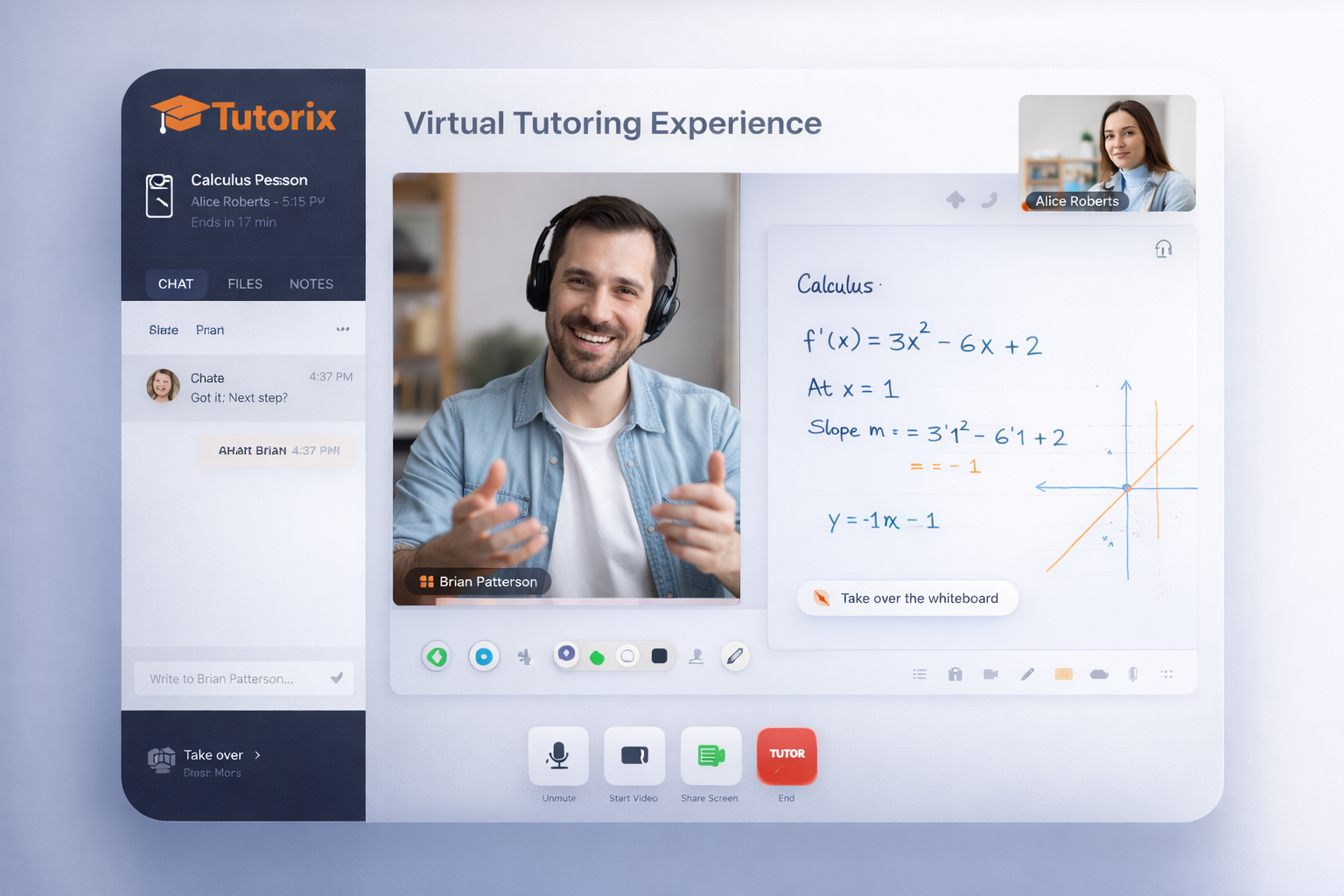
A hands-on curriculum that develops practical competence in AI Tutor Utilization through concept learning, tool practice, project production, and presentation.


| Category | Details | Practice methods |
|---|---|---|
| Objective 1 | Understand the core concepts and workflow of AI Tutor Utilization. | Learners map key terms, tools, inputs, outputs, and risks of AI Tutor Utilization through instructor-led examples. Learners analyze real use cases and classify where AI Tutor Utilization can support learning, work, and project production. |
| Objective 2 | Use professional AI tools to complete practical AI Tutor Utilization tasks. | Learners follow a guided lab using ChatGPT, Gemini, Claude, Perplexity, Canva, Google Workspace, Microsoft 365, or relevant AI platforms. Learners submit a small output, receive feedback, and revise the result using a structured improvement checklist. |
| Objective 3 | Design prompts, data, and evaluation criteria for AI Tutor Utilization. | Learners create prompt templates, role instructions, examples, constraints, and output rubrics for the topic. Learners compare multiple AI outputs and evaluate accuracy, usefulness, originality, safety, and copyright risk. |
| Objective 4 | Apply AI Tutor Utilization to a real learner-centered project. | Learners define a practical problem, build a prototype or learning artifact, and document the production process. Learners present the result, explain tool choices, and improve the project based on peer and instructor review. |
| Objective 5 | Build a portfolio-ready outcome using AI Tutor Utilization. | Learners combine planning, production, testing, documentation, and presentation into one complete deliverable. Learners publish or export the final result as a report, slide deck, webpage, media file, automation flow, or classroom-ready resource. |
| Platforms | ChatGPT, Claude, Gemini, Perplexity, Microsoft Copilot, Google Workspace, Canva, Notion, Padlet, Miro, Google Colab, Teachable Machine, Scratch, MIT App Inventor, GitHub Pages, Vercel, Netlify |
|---|---|
| Instructor profile | Instructor should have practical AI education experience, prompt design capability, digital tool operation skills, project coaching experience, and the ability to guide ethics, copyright, privacy, and safety issues. |
| Target learners | Elementary upper grades, middle school, high school, university beginners, job-seeking youth, adult learners, teachers, and general learners who need practical AI competence. |
| Duration | 4-6 hours |
| Materials | Internet-connected PC or laptop, learner accounts for AI tools, browser, sample datasets, worksheet templates, presentation template, project rubric, storage folder, microphone or camera when needed. |
| Expected output | A completed AI Tutor Utilization learning artifact, project document, presentation file, reflection sheet, and portfolio-ready result. |
Elementary 3 Day AI Tutor Utilization Curriculum
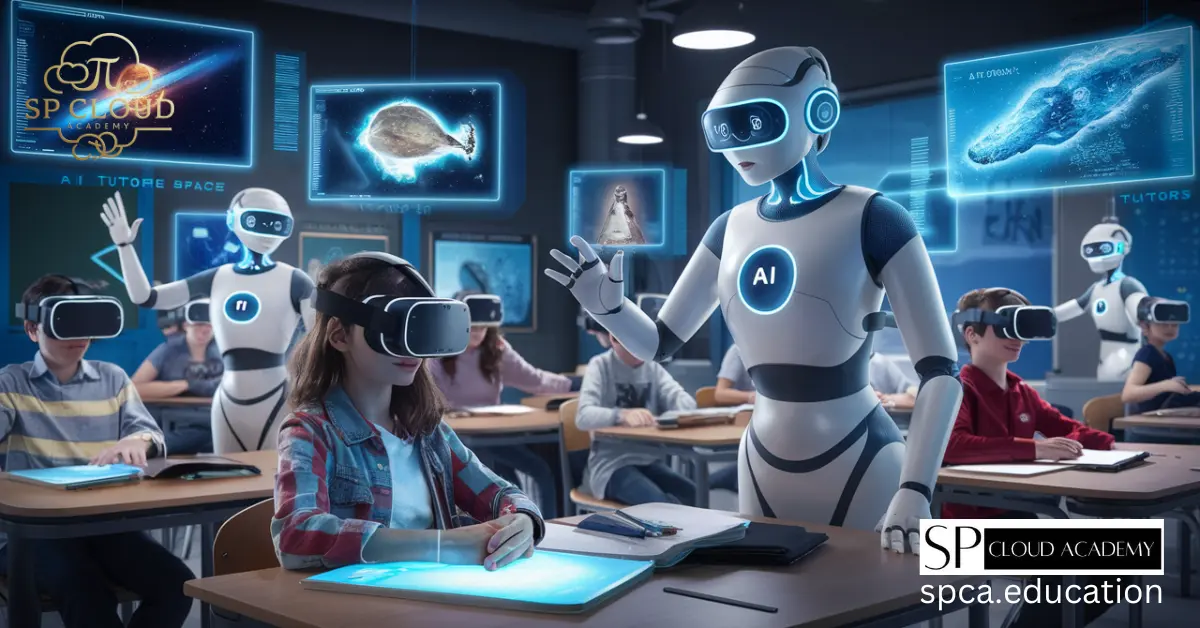
A hands-on curriculum that develops practical competence in AI Tutor Utilization through concept learning, tool practice, project production, and presentation.


| Category | Details | Practice methods |
|---|---|---|
| Objective 1 | Understand the core concepts and workflow of AI Tutor Utilization. | Learners map key terms, tools, inputs, outputs, and risks of AI Tutor Utilization through instructor-led examples. Learners analyze real use cases and classify where AI Tutor Utilization can support learning, work, and project production. |
| Objective 2 | Use professional AI tools to complete practical AI Tutor Utilization tasks. | Learners follow a guided lab using ChatGPT, Gemini, Claude, Perplexity, Canva, Google Workspace, Microsoft 365, or relevant AI platforms. Learners submit a small output, receive feedback, and revise the result using a structured improvement checklist. |
| Objective 3 | Design prompts, data, and evaluation criteria for AI Tutor Utilization. | Learners create prompt templates, role instructions, examples, constraints, and output rubrics for the topic. Learners compare multiple AI outputs and evaluate accuracy, usefulness, originality, safety, and copyright risk. |
| Objective 4 | Apply AI Tutor Utilization to a real learner-centered project. | Learners define a practical problem, build a prototype or learning artifact, and document the production process. Learners present the result, explain tool choices, and improve the project based on peer and instructor review. |
| Objective 5 | Build a portfolio-ready outcome using AI Tutor Utilization. | Learners combine planning, production, testing, documentation, and presentation into one complete deliverable. Learners publish or export the final result as a report, slide deck, webpage, media file, automation flow, or classroom-ready resource. |
| Platforms | ChatGPT, Claude, Gemini, Perplexity, Microsoft Copilot, Google Workspace, Canva, Notion, Padlet, Miro, Google Colab, Teachable Machine, Scratch, MIT App Inventor, GitHub Pages, Vercel, Netlify |
|---|---|
| Instructor profile | Instructor should have practical AI education experience, prompt design capability, digital tool operation skills, project coaching experience, and the ability to guide ethics, copyright, privacy, and safety issues. |
| Target learners | Elementary upper grades, middle school, high school, university beginners, job-seeking youth, adult learners, teachers, and general learners who need practical AI competence. |
| Duration | 12-15 hours |
| Materials | Internet-connected PC or laptop, learner accounts for AI tools, browser, sample datasets, worksheet templates, presentation template, project rubric, storage folder, microphone or camera when needed. |
| Expected output | A completed AI Tutor Utilization learning artifact, project document, presentation file, reflection sheet, and portfolio-ready result. |
Elementary 1 Week AI Tutor Utilization Curriculum
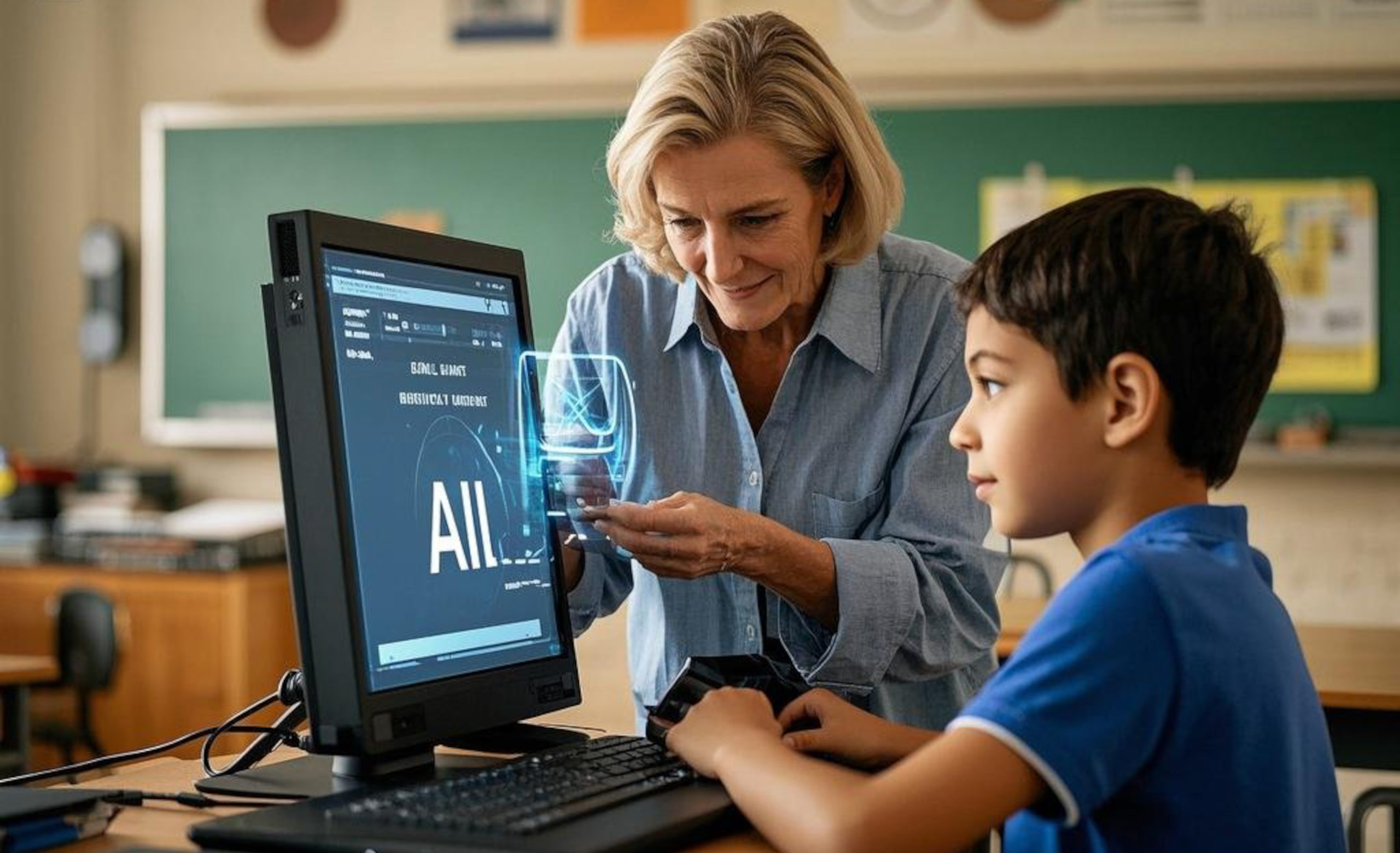
A hands-on curriculum that develops practical competence in AI Tutor Utilization through concept learning, tool practice, project production, and presentation.


| Category | Details | Practice methods |
|---|---|---|
| Objective 1 | Understand the core concepts and workflow of AI Tutor Utilization. | Learners map key terms, tools, inputs, outputs, and risks of AI Tutor Utilization through instructor-led examples. Learners analyze real use cases and classify where AI Tutor Utilization can support learning, work, and project production. |
| Objective 2 | Use professional AI tools to complete practical AI Tutor Utilization tasks. | Learners follow a guided lab using ChatGPT, Gemini, Claude, Perplexity, Canva, Google Workspace, Microsoft 365, or relevant AI platforms. Learners submit a small output, receive feedback, and revise the result using a structured improvement checklist. |
| Objective 3 | Design prompts, data, and evaluation criteria for AI Tutor Utilization. | Learners create prompt templates, role instructions, examples, constraints, and output rubrics for the topic. Learners compare multiple AI outputs and evaluate accuracy, usefulness, originality, safety, and copyright risk. |
| Objective 4 | Apply AI Tutor Utilization to a real learner-centered project. | Learners define a practical problem, build a prototype or learning artifact, and document the production process. Learners present the result, explain tool choices, and improve the project based on peer and instructor review. |
| Objective 5 | Build a portfolio-ready outcome using AI Tutor Utilization. | Learners combine planning, production, testing, documentation, and presentation into one complete deliverable. Learners publish or export the final result as a report, slide deck, webpage, media file, automation flow, or classroom-ready resource. |
| Platforms | ChatGPT, Claude, Gemini, Perplexity, Microsoft Copilot, Google Workspace, Canva, Notion, Padlet, Miro, Google Colab, Teachable Machine, Scratch, MIT App Inventor, GitHub Pages, Vercel, Netlify |
|---|---|
| Instructor profile | Instructor should have practical AI education experience, prompt design capability, digital tool operation skills, project coaching experience, and the ability to guide ethics, copyright, privacy, and safety issues. |
| Target learners | Elementary upper grades, middle school, high school, university beginners, job-seeking youth, adult learners, teachers, and general learners who need practical AI competence. |
| Duration | 20-25 hours |
| Materials | Internet-connected PC or laptop, learner accounts for AI tools, browser, sample datasets, worksheet templates, presentation template, project rubric, storage folder, microphone or camera when needed. |
| Expected output | A completed AI Tutor Utilization learning artifact, project document, presentation file, reflection sheet, and portfolio-ready result. |
Intermediate 4 Week AI Tutor Utilization Curriculum
A hands-on curriculum that develops practical competence in AI Tutor Utilization through concept learning, tool practice, project production, and presentation.
| Category | Details | Practice methods |
|---|---|---|
| Objective 1 | Understand the core concepts and workflow of AI Tutor Utilization. | Learners map key terms, tools, inputs, outputs, and risks of AI Tutor Utilization through instructor-led examples. Learners analyze real use cases and classify where AI Tutor Utilization can support learning, work, and project production. |
| Objective 2 | Use professional AI tools to complete practical AI Tutor Utilization tasks. | Learners follow a guided lab using ChatGPT, Gemini, Claude, Perplexity, Canva, Google Workspace, Microsoft 365, or relevant AI platforms. Learners submit a small output, receive feedback, and revise the result using a structured improvement checklist. |
| Objective 3 | Design prompts, data, and evaluation criteria for AI Tutor Utilization. | Learners create prompt templates, role instructions, examples, constraints, and output rubrics for the topic. Learners compare multiple AI outputs and evaluate accuracy, usefulness, originality, safety, and copyright risk. |
| Objective 4 | Apply AI Tutor Utilization to a real learner-centered project. | Learners define a practical problem, build a prototype or learning artifact, and document the production process. Learners present the result, explain tool choices, and improve the project based on peer and instructor review. |
| Objective 5 | Build a portfolio-ready outcome using AI Tutor Utilization. | Learners combine planning, production, testing, documentation, and presentation into one complete deliverable. Learners publish or export the final result as a report, slide deck, webpage, media file, automation flow, or classroom-ready resource. |
| Platforms | ChatGPT, Claude, Gemini, Perplexity, Microsoft Copilot, Google Workspace, Canva, Notion, Padlet, Miro, Google Colab, Teachable Machine, Scratch, MIT App Inventor, GitHub Pages, Vercel, Netlify |
|---|---|
| Instructor profile | Instructor should have practical AI education experience, prompt design capability, digital tool operation skills, project coaching experience, and the ability to guide ethics, copyright, privacy, and safety issues. |
| Target learners | Elementary upper grades, middle school, high school, university beginners, job-seeking youth, adult learners, teachers, and general learners who need practical AI competence. |
| Duration | 40-60 hours |
| Materials | Internet-connected PC or laptop, learner accounts for AI tools, browser, sample datasets, worksheet templates, presentation template, project rubric, storage folder, microphone or camera when needed. |
| Expected output | A completed AI Tutor Utilization learning artifact, project document, presentation file, reflection sheet, and portfolio-ready result. |
Advanced 8 Week AI Tutor Utilization Curriculum
A hands-on curriculum that develops practical competence in AI Tutor Utilization through concept learning, tool practice, project production, and presentation.



| Category | Details | Practice methods |
|---|---|---|
| Objective 1 | Understand the core concepts and workflow of AI Tutor Utilization. | Learners map key terms, tools, inputs, outputs, and risks of AI Tutor Utilization through instructor-led examples. Learners analyze real use cases and classify where AI Tutor Utilization can support learning, work, and project production. |
| Objective 2 | Use professional AI tools to complete practical AI Tutor Utilization tasks. | Learners follow a guided lab using ChatGPT, Gemini, Claude, Perplexity, Canva, Google Workspace, Microsoft 365, or relevant AI platforms. Learners submit a small output, receive feedback, and revise the result using a structured improvement checklist. |
| Objective 3 | Design prompts, data, and evaluation criteria for AI Tutor Utilization. | Learners create prompt templates, role instructions, examples, constraints, and output rubrics for the topic. Learners compare multiple AI outputs and evaluate accuracy, usefulness, originality, safety, and copyright risk. |
| Objective 4 | Apply AI Tutor Utilization to a real learner-centered project. | Learners define a practical problem, build a prototype or learning artifact, and document the production process. Learners present the result, explain tool choices, and improve the project based on peer and instructor review. |
| Objective 5 | Build a portfolio-ready outcome using AI Tutor Utilization. | Learners combine planning, production, testing, documentation, and presentation into one complete deliverable. Learners publish or export the final result as a report, slide deck, webpage, media file, automation flow, or classroom-ready resource. |
| Platforms | ChatGPT, Claude, Gemini, Perplexity, Microsoft Copilot, Google Workspace, Canva, Notion, Padlet, Miro, Google Colab, Teachable Machine, Scratch, MIT App Inventor, GitHub Pages, Vercel, Netlify |
|---|---|
| Instructor profile | Instructor should have practical AI education experience, prompt design capability, digital tool operation skills, project coaching experience, and the ability to guide ethics, copyright, privacy, and safety issues. |
| Target learners | Elementary upper grades, middle school, high school, university beginners, job-seeking youth, adult learners, teachers, and general learners who need practical AI competence. |
| Duration | 80-120 hours |
| Materials | Internet-connected PC or laptop, learner accounts for AI tools, browser, sample datasets, worksheet templates, presentation template, project rubric, storage folder, microphone or camera when needed. |
| Expected output | A completed AI Tutor Utilization learning artifact, project document, presentation file, reflection sheet, and portfolio-ready result. |